MyHandFont: Font Maker for Android
Draw each letter on your phone and get a real TTF font of your handwriting. No ads, no account, no subscription.
Android app Coming to Google Play
Screenshots
What it does
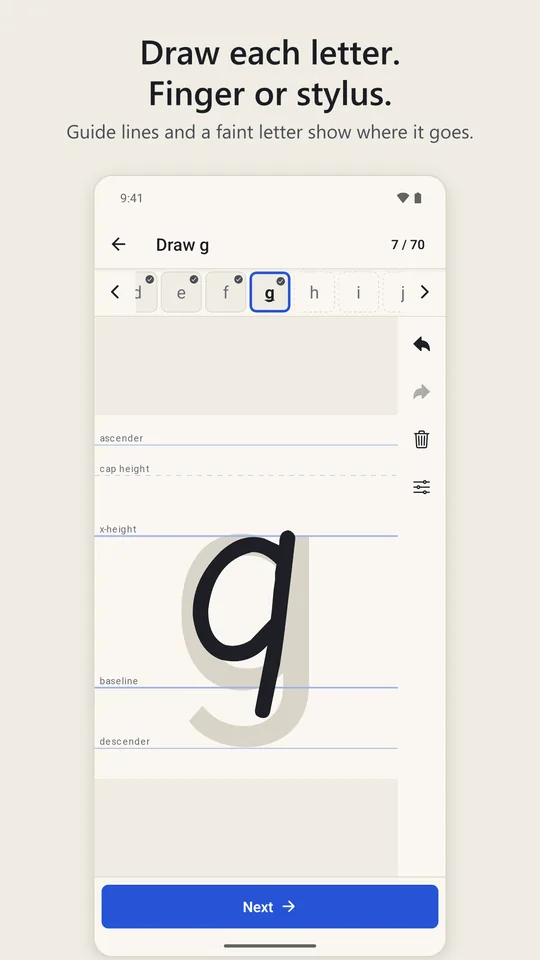
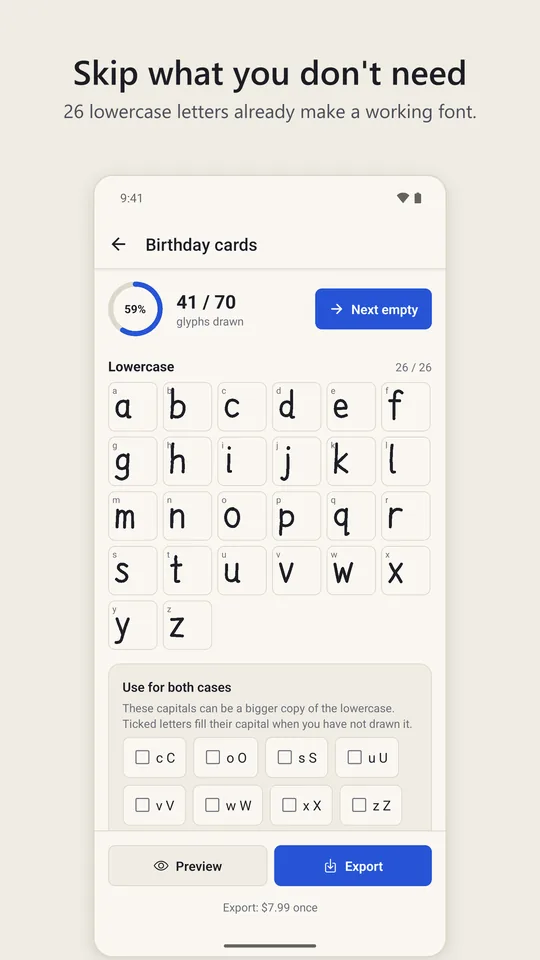
MyHandFont is a font maker for Android. It shows a large writing area with guide lines and a faint letter behind them. You write the letter with your finger or a stylus, the app smooths the stroke at the level you choose (Low, Medium or High) and shows it as part of a font, and you move on to the next. The template has 70 characters: the lowercase and uppercase alphabet, the digits and eight common marks. Eight more marks, such as the exclamation mark and the colon, are built from the ones you draw, and capitals you skip fall back to scaled-up lowercase, so a font made from the 26 lowercase letters alone already works.
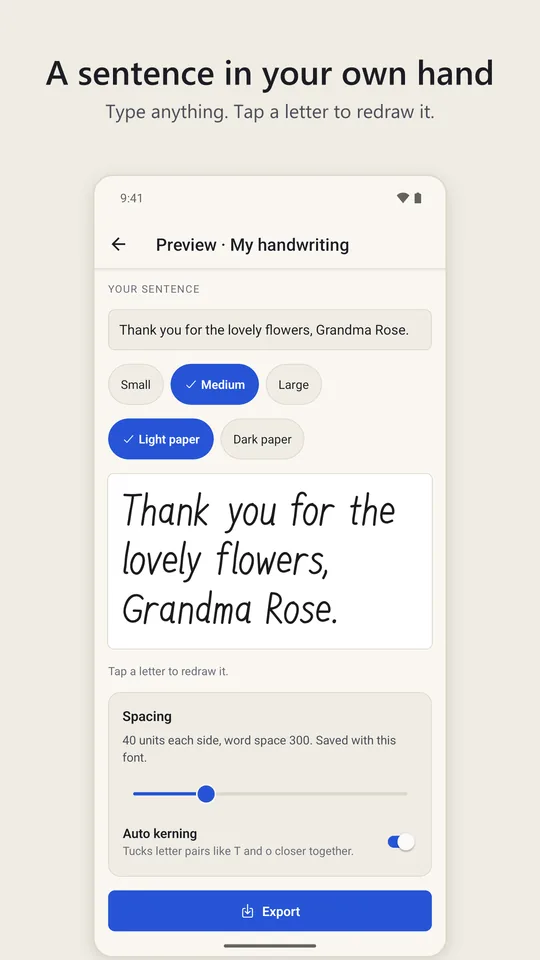
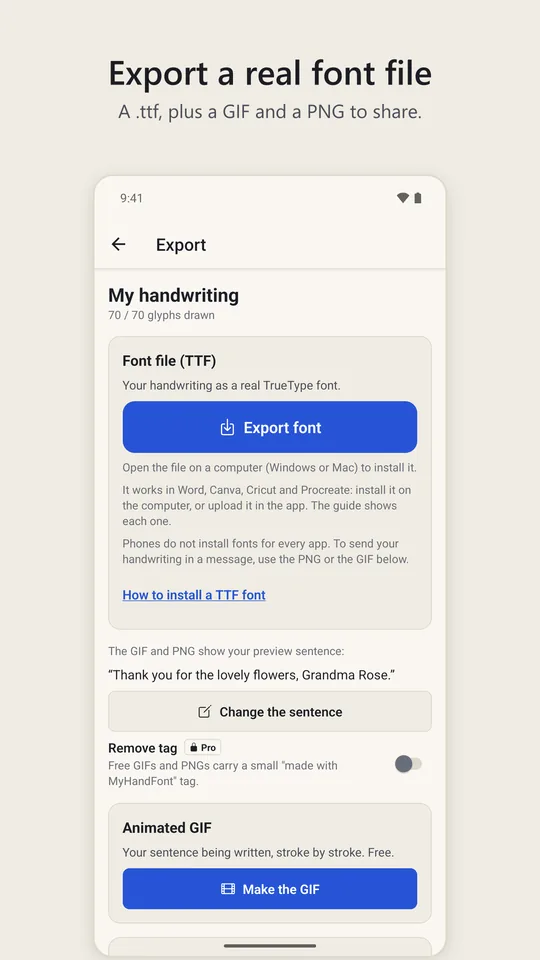
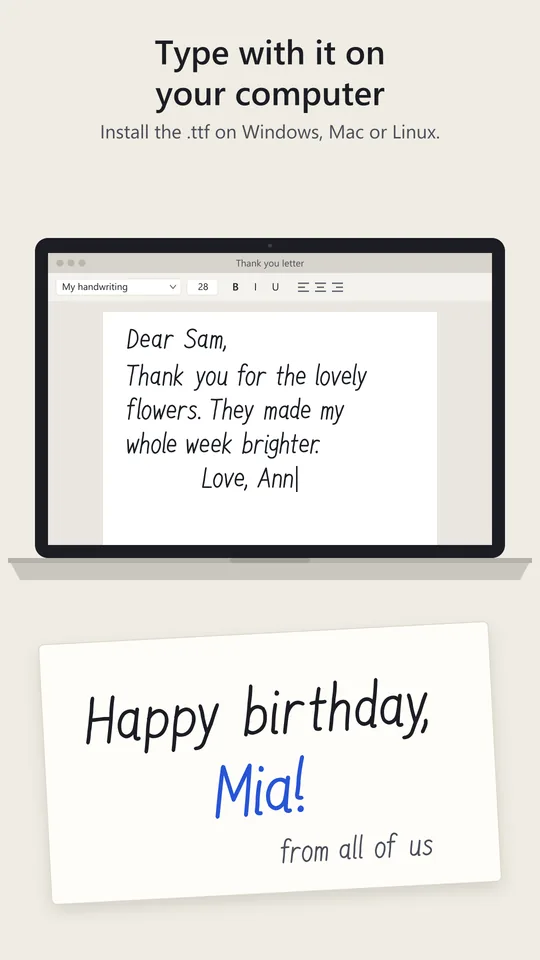
From the first letter you draw, a sentence preview sets your own words in your letters at three sizes, on light or dark paper, with a spacing slider. Tap a letter in the preview to redraw it. When you are happy, export the font as a .ttf file. It installs on Windows and Mac for Word, Cricut Design Space and most design software, and uploads to Canva (on a plan with font uploads) and Procreate.
Who it is for
People who want their own handwriting on things they make: wedding and party invitations, planners and journals, labels, shop signs, school worksheets, stickers and Cricut projects. Teachers make a font of their board writing; families make one from a grandparent's careful copy of a recipe card. If you can write the alphabet on a phone, you can make the font, and the guides on the canvas keep the letters the same height without any design knowledge.
Free and paid
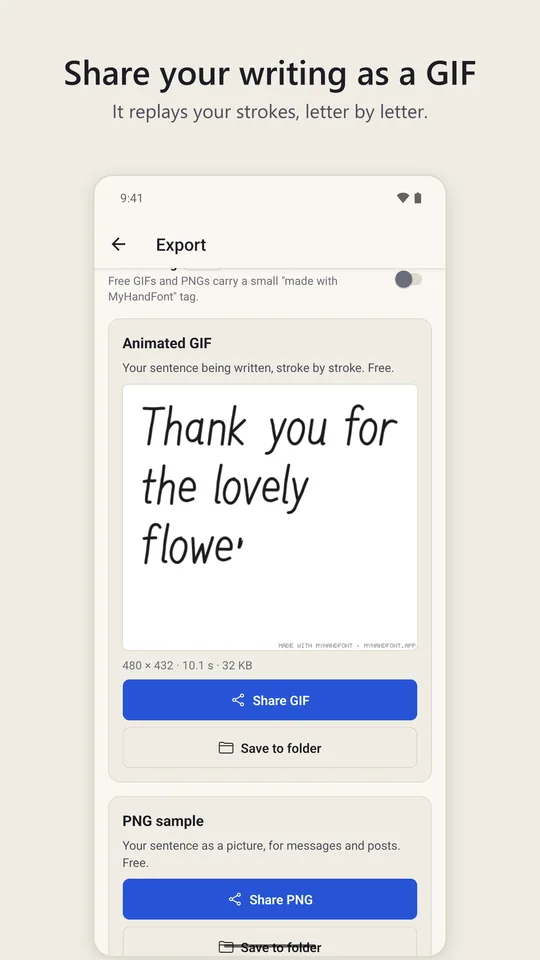
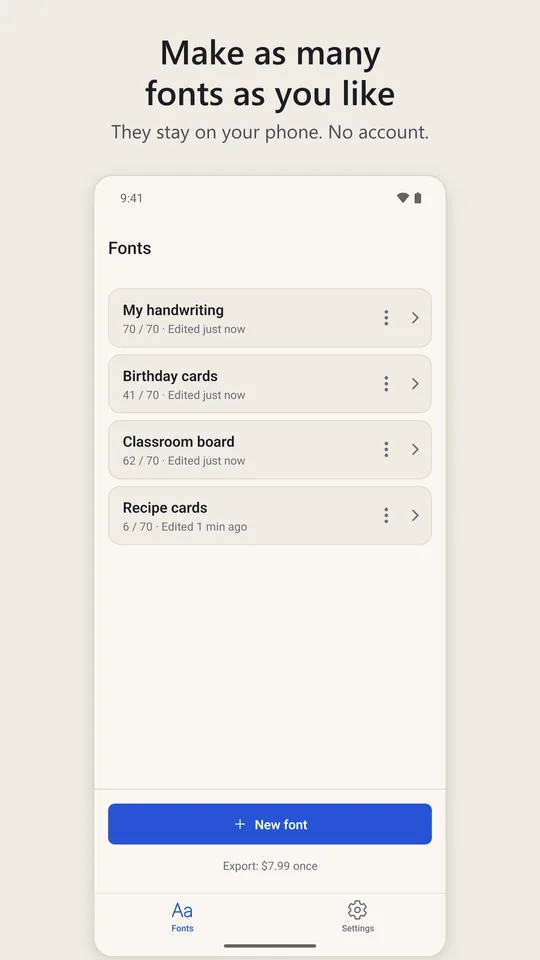
- Free: drawing every letter, unlimited fonts, the sentence preview, kerning and spacing, the animated GIF of your writing and a PNG sample (both with a small "made with MyHandFont" tag), and the project file backup.
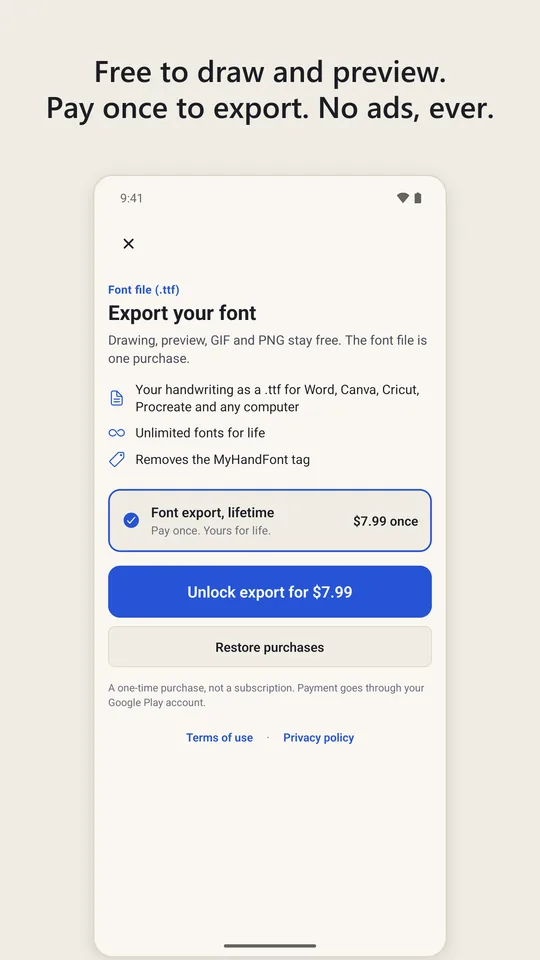
- One purchase for life: exporting the font file (.ttf) and removing the tag from the GIF and PNG. US$7.99 in the US; Google Play shows the price for your country before you pay.
- Never: ads, subscriptions, per-font charges or an account.
The purchase goes through your Google Play account and can be restored on a new phone with Restore purchases. The paywall only appears when you tap Export; everything before that is free.
Works offline, keeps your drawings on your phone
The app needs no internet connection to draw, preview or export. Your strokes and fonts are stored on your phone and never uploaded. To move a font to another phone, or to carry work over from the web version, use the project file (.myhandfont.json): export it from one, import it in the other.
Requirements
- Android 7.0 or later, phone or tablet.
- A finger or any stylus. Stylus pressure changes the stroke width where the device reports it.
- To install the font: a Windows PC or a Mac (or an iPad for Procreate). Phones do not install fonts for every app; see the install guide.
Not a keyboard
MyHandFont does not change the font of your phone or add a fancy-text keyboard. It makes a font file from your own handwriting for use on a computer, and images and GIFs of your writing to share from the phone.
Help and policies
Android app Coming to Google Play